Description
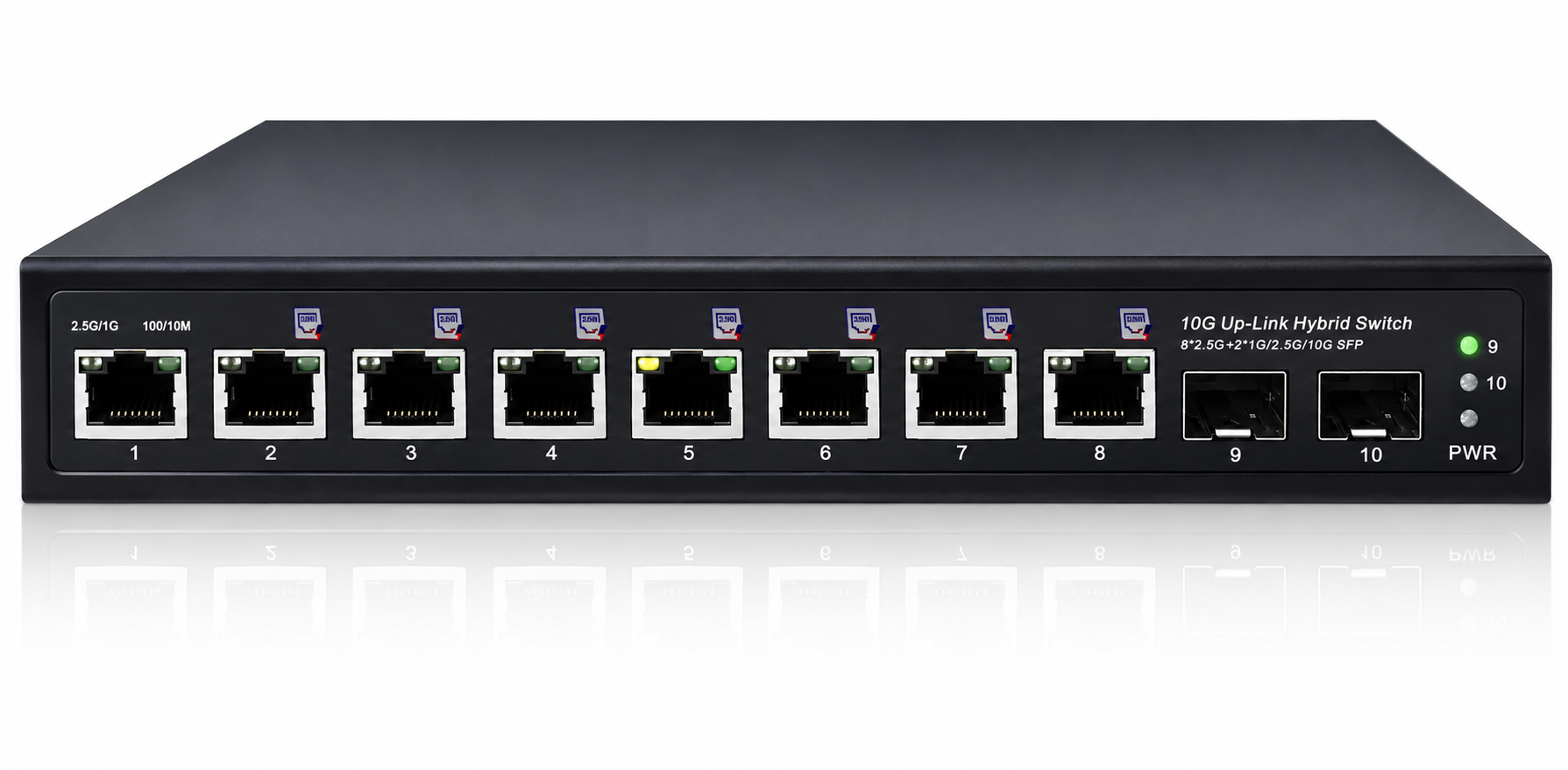
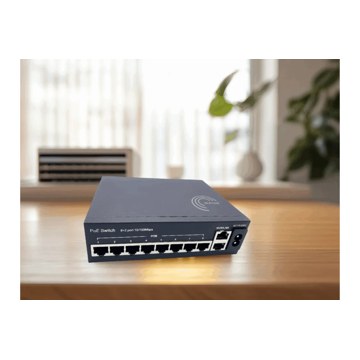
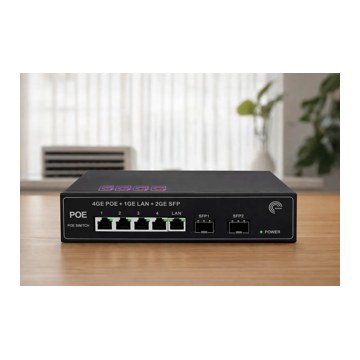
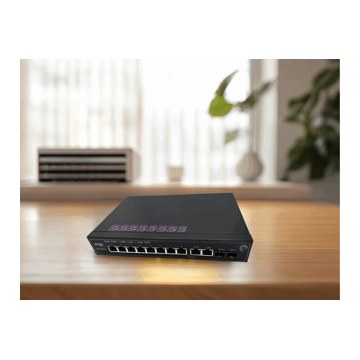
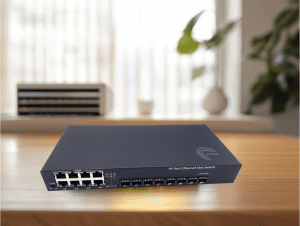
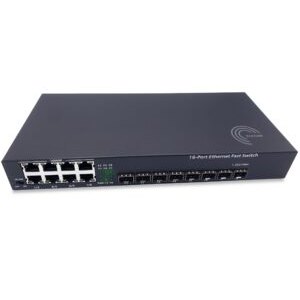
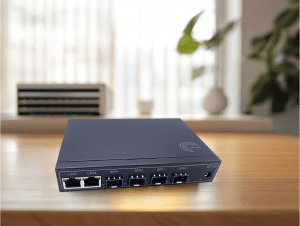
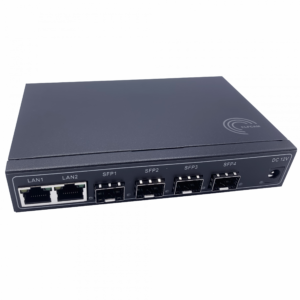
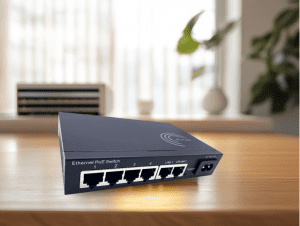
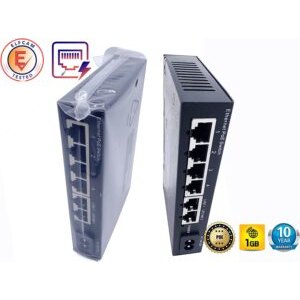
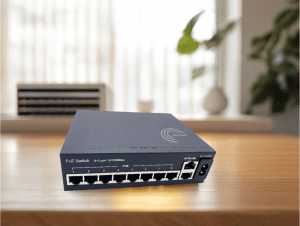
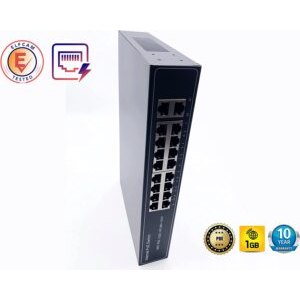
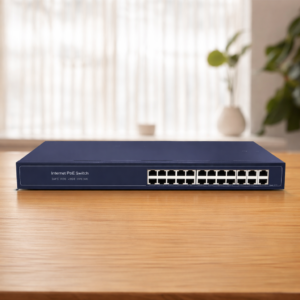
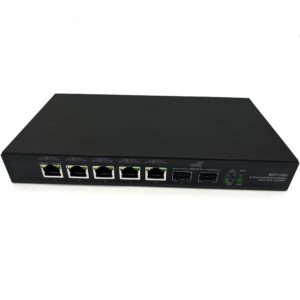
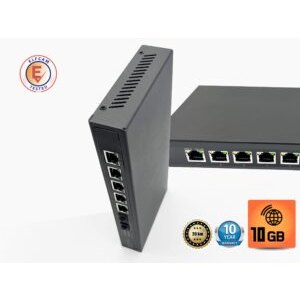
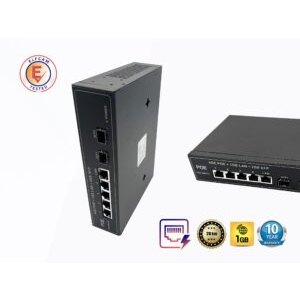
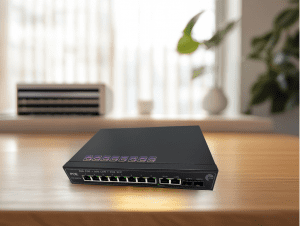
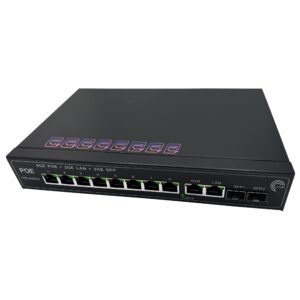
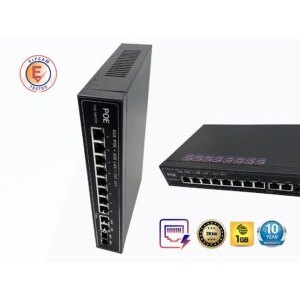
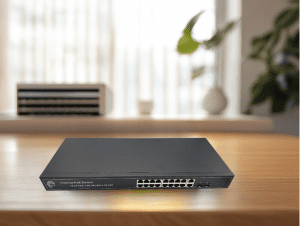
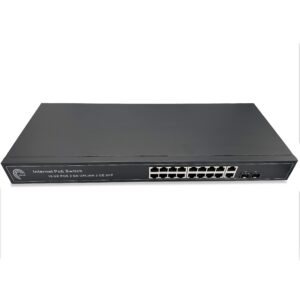
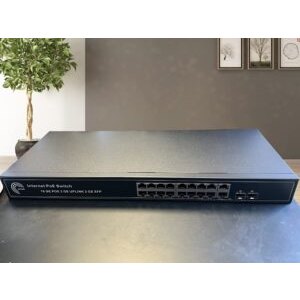
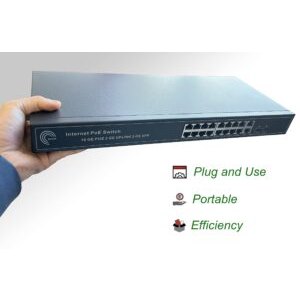
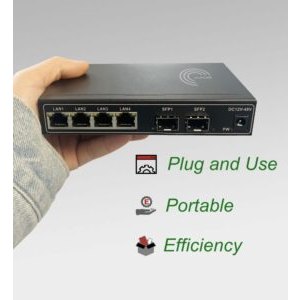
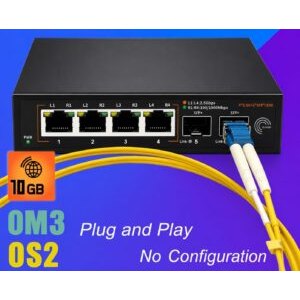
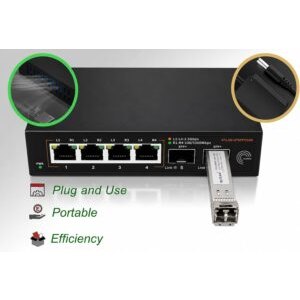
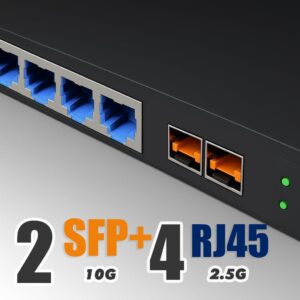
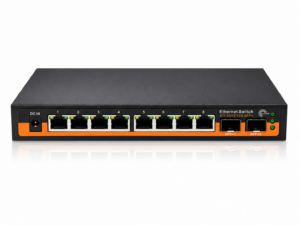
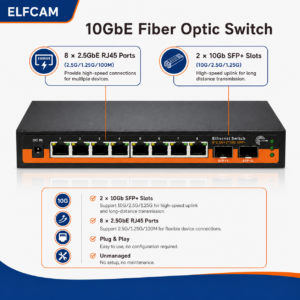
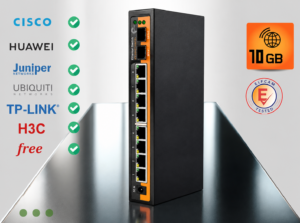
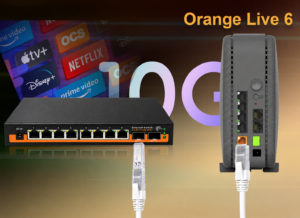
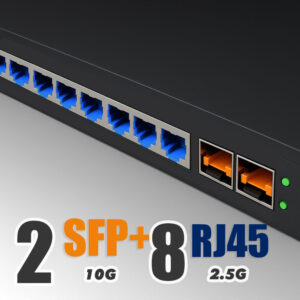
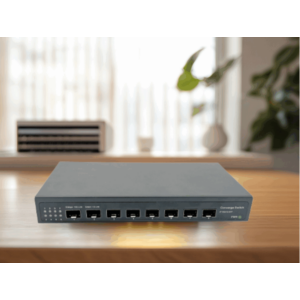
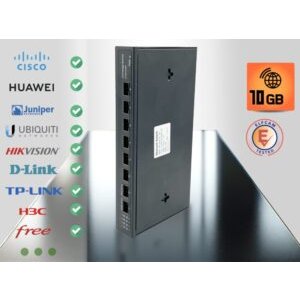
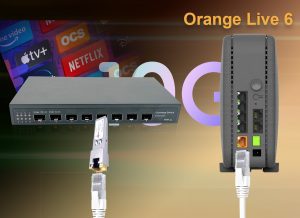
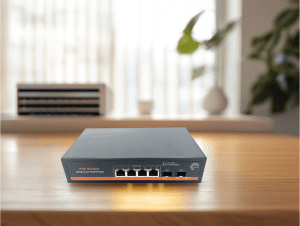
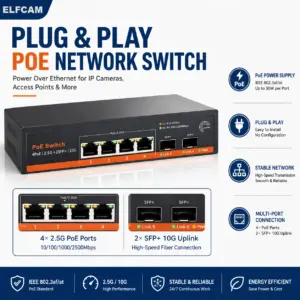
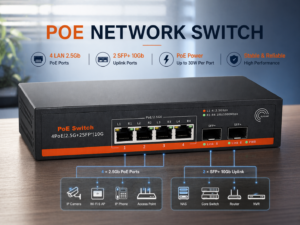
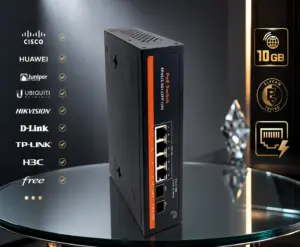
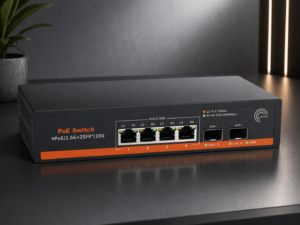
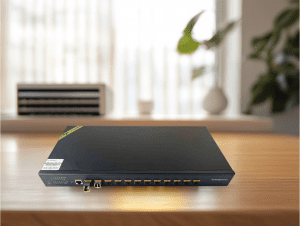
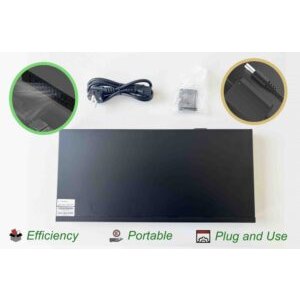
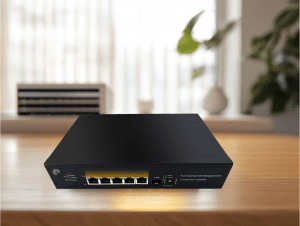
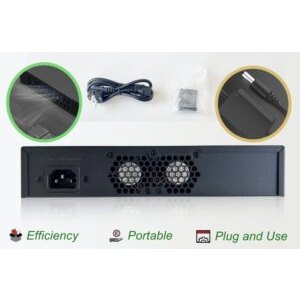
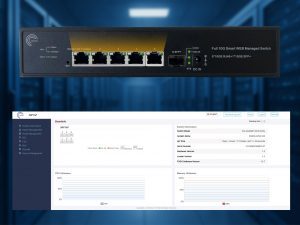
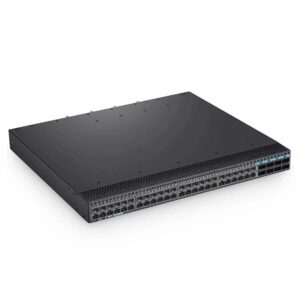
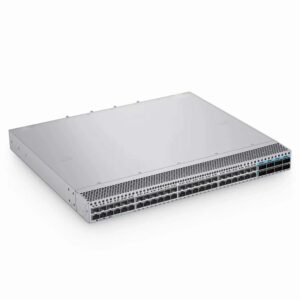
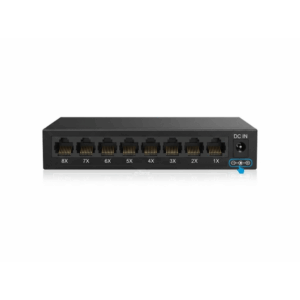
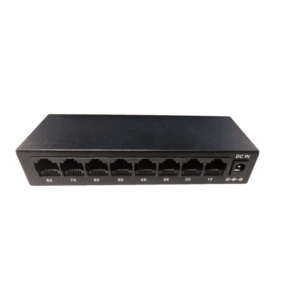
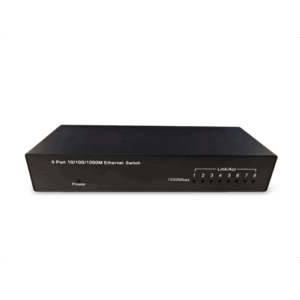
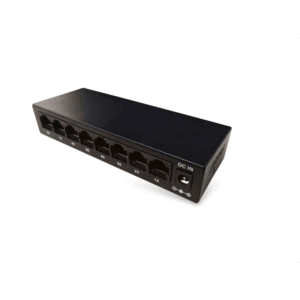
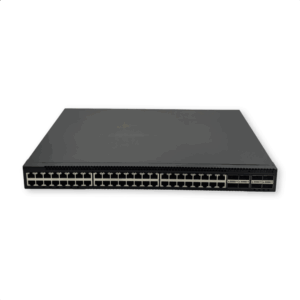
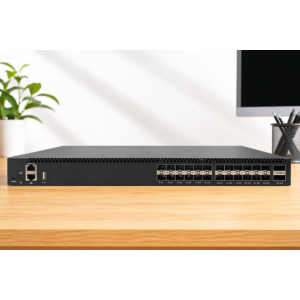
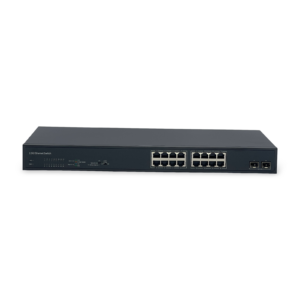
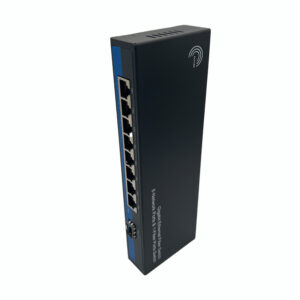
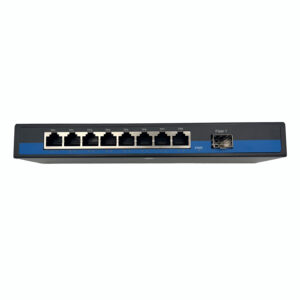
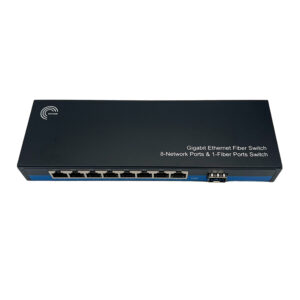
Unmanaged switch with 2 × 10 Gigabit SFP+ ports + 8 × 2.5 Gigabit PoE RJ45 ports, compatible with Freebox Ultra and Orange Livebox 6. Fibre comes in at 10G; the eight ports power and connect cameras, Wi-Fi 6/7 access points and computers at 2.5 Gbit/s.
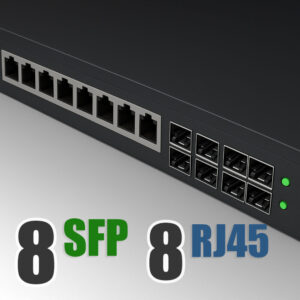
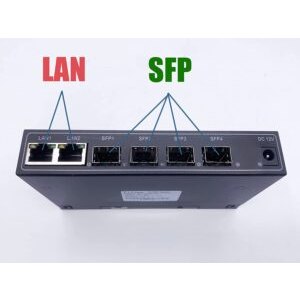
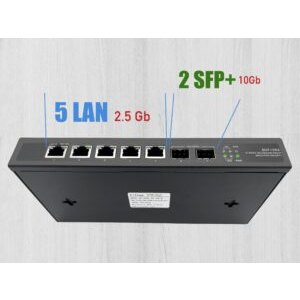
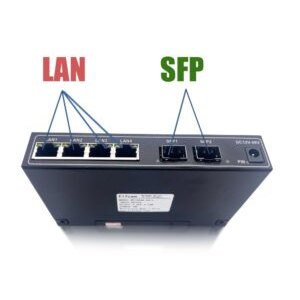
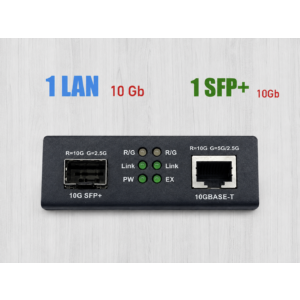
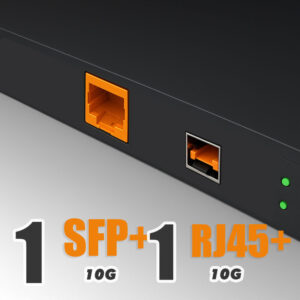
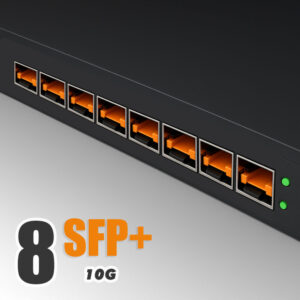
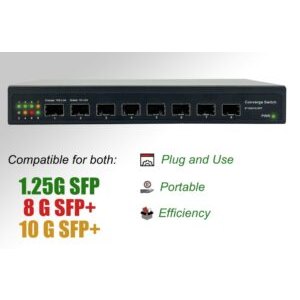
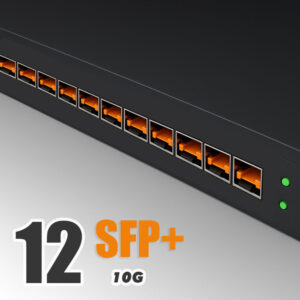
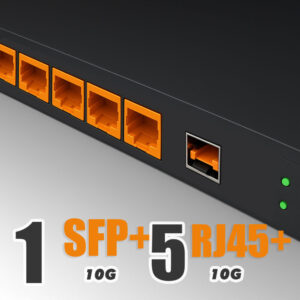
2 × SFP+ 10G10G / 2.5G / 1.25G.
8 × RJ45 2.5G PoE2.5G / 1.25G / 100M.
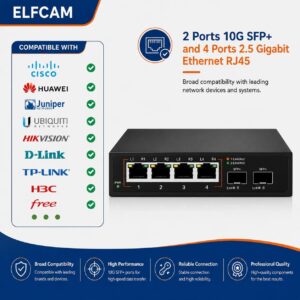
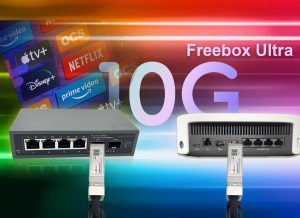
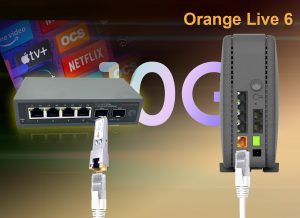
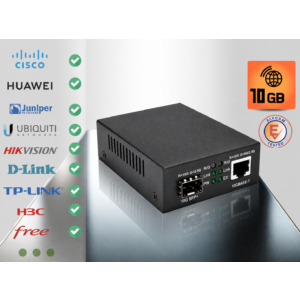
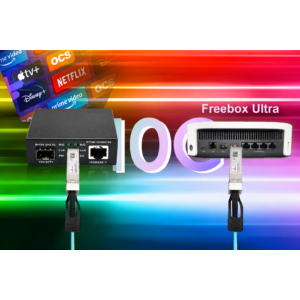
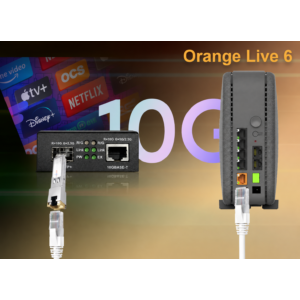
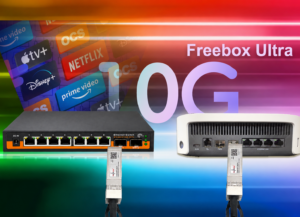
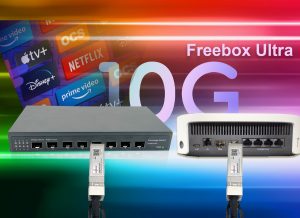
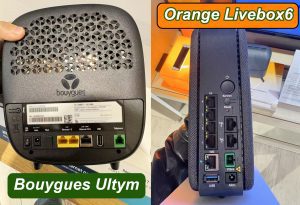
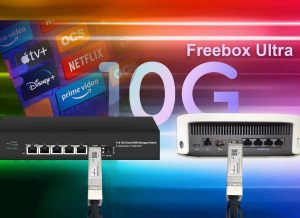
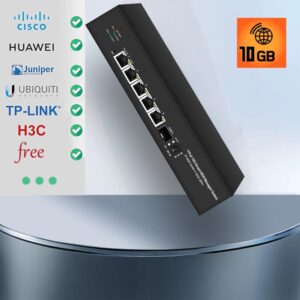
Freebox and LiveboxFreebox Ultra, Orange Livebox 6.
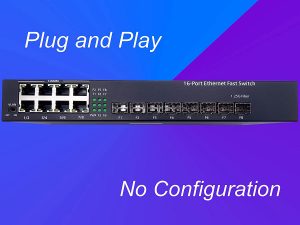
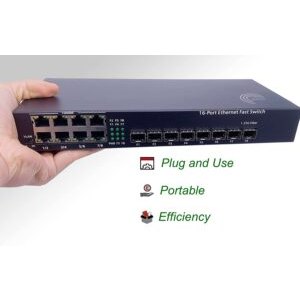
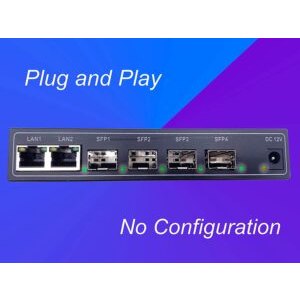
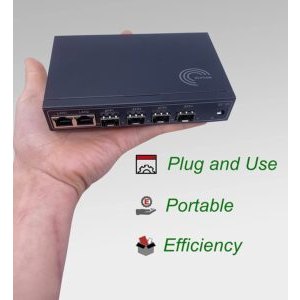
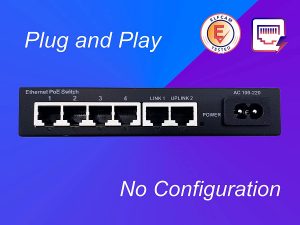
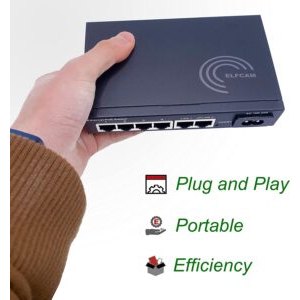
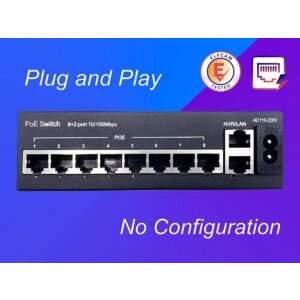
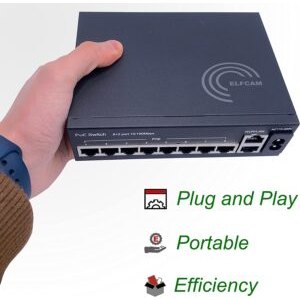
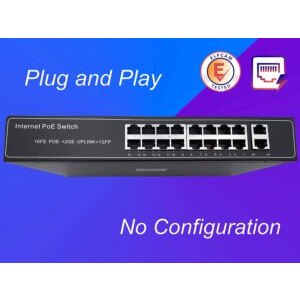
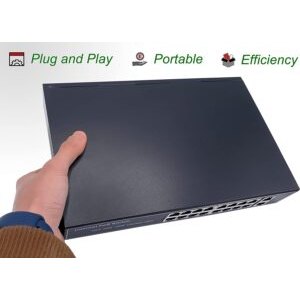
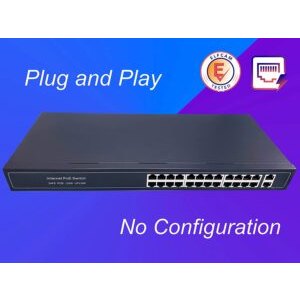
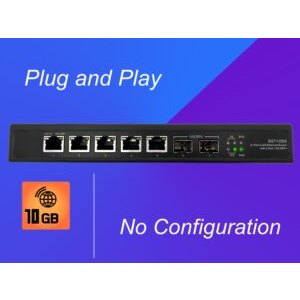
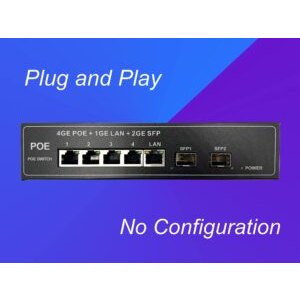
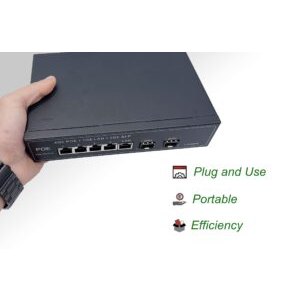
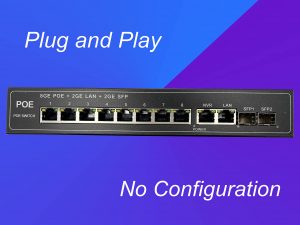
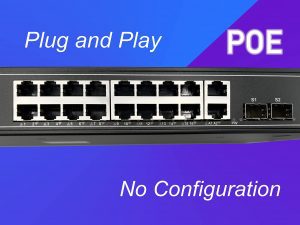
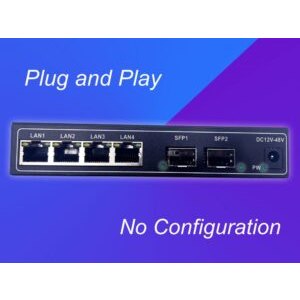
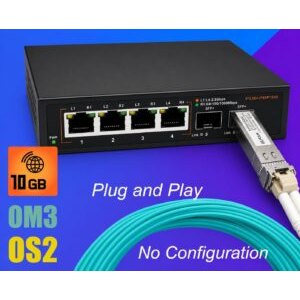
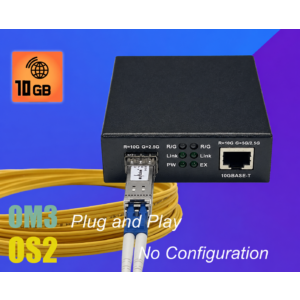
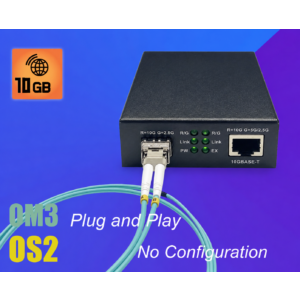
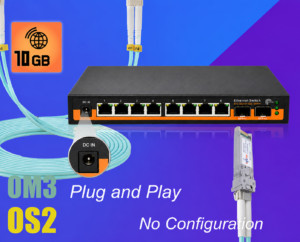
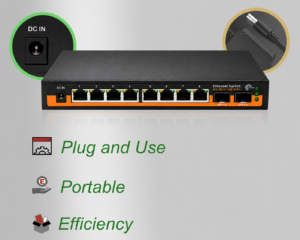
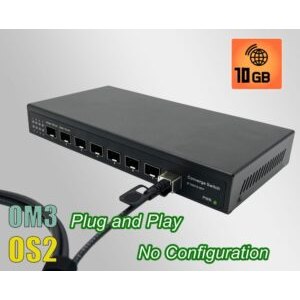
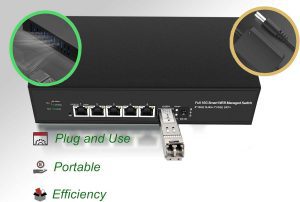
Plug & PlayNo configuration.
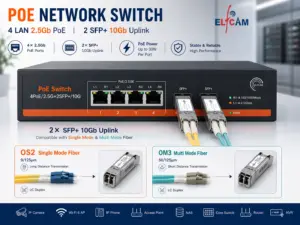
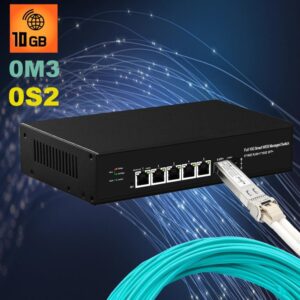
OM3 et OS2Multimode or single-mode, depending on the module.
SFP+ modulesSold separately.
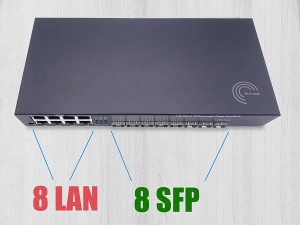
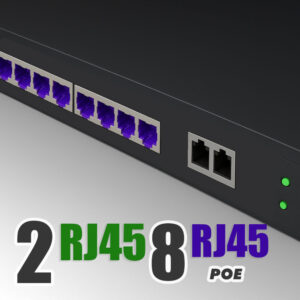
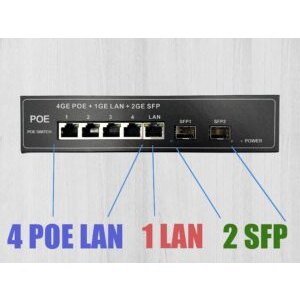
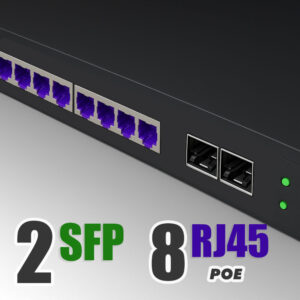
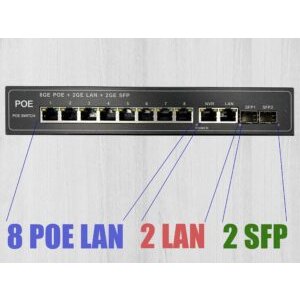
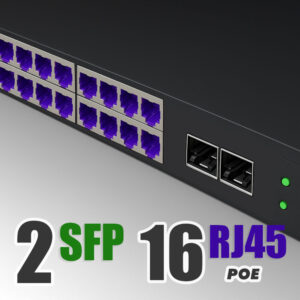
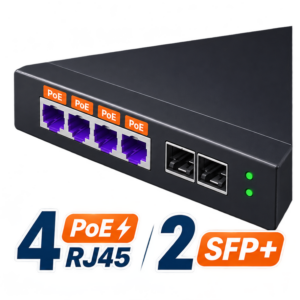
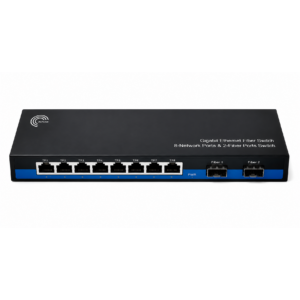
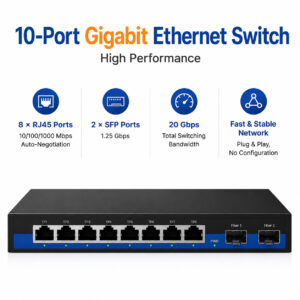
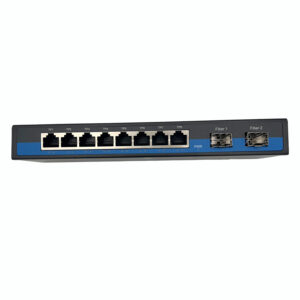
8 PoE 2.5G, 2 SFP+ 10G
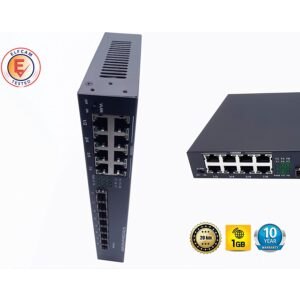
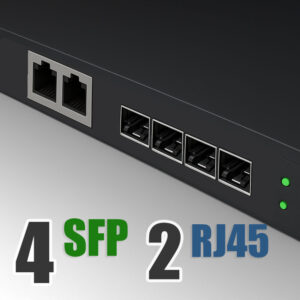
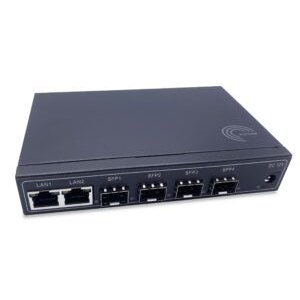
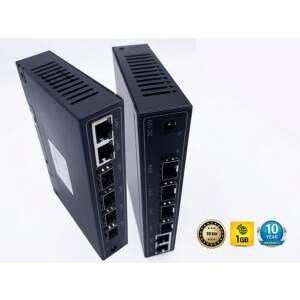
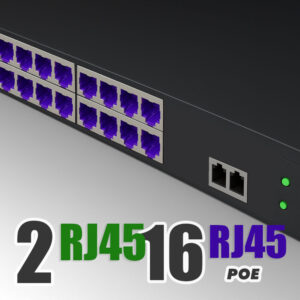
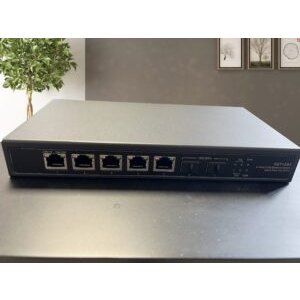
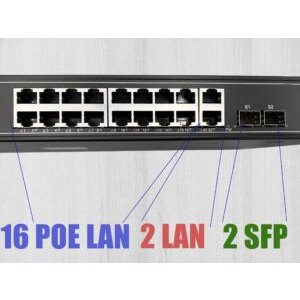
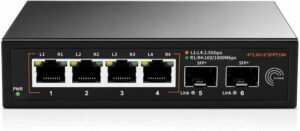
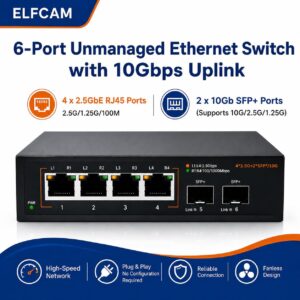
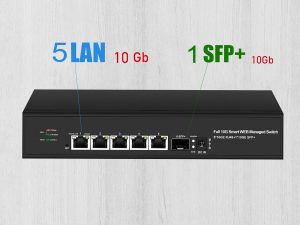
Eight 2.5 Gbit/s PoE RJ45 ports for access points and cameras, two 10 Gbit/s SFP+ ports for the router and the fibre.
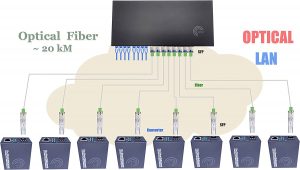
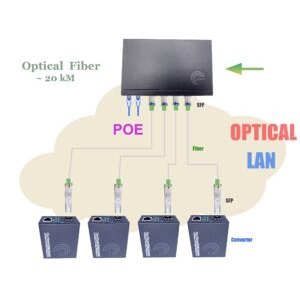
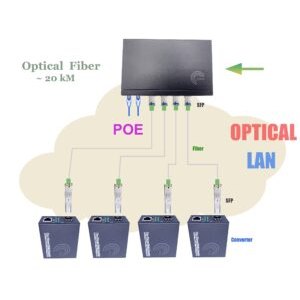
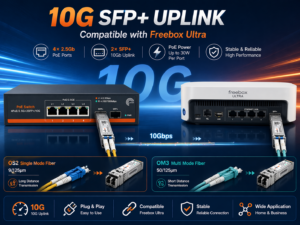
With the router
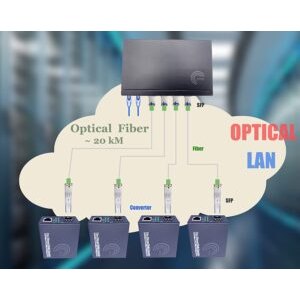
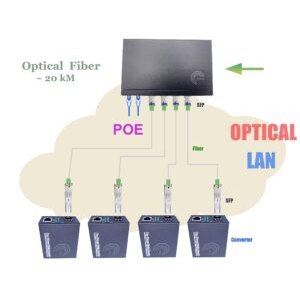
Plug an SFP+ module into the router’s 10G port and connect it to the switch: your devices get the full 10 Gbit/s of the fibre line.
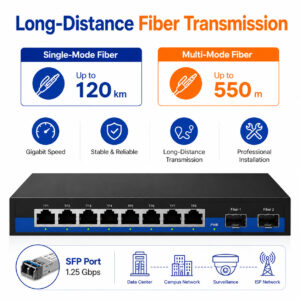
Multimode or single-mode
With the right module, the switch works with OM3 multimode fibre as well as OS2 single-mode.
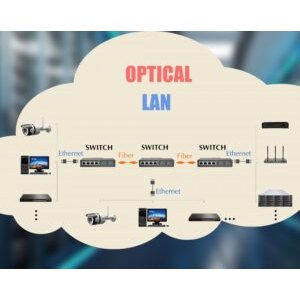
Box 10G
SFP+ 10G
Switch
Access points, 2.5G PoE cameras
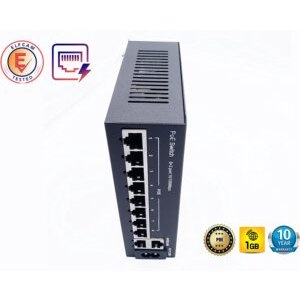
Unmanaged switch, 2 × SFP+ 10G + 8 × RJ45 2.5G PoE, compatible with Freebox Ultra and Livebox 6.
1. Can I connect a non-PoE device to a PoE switch?
Yes, it is safe. The PoE switch automatically detects whether the connected device needs power and only supplies it when required.
2. How many devices can I power with a single PoE switch?
It depends on the number of ports available (from 4 to 24 ports in our range) and on the switch’s maximum power (IEEE 802.3af, 802.3at or 802.3bt). Check the total power available on your switch and the consumption of each connected device.
3. Does PoE work with all types of Ethernet cable?
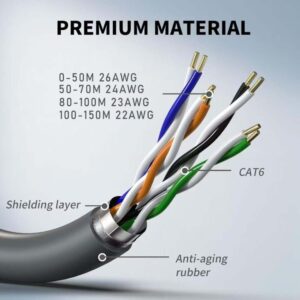
Yes, but a Category 5e or higher Ethernet cable (Cat.6 recommended) is advised to ensure signal stability and safe power delivery.
4. Can a standard switch and a PoE switch be combined on the same network?
Absolutely. The two types of switch are fully compatible, so you can combine them to suit your specific needs.
5. Does a PoE switch need configuring, or does it work straight away (plug and play)?
Our PoE switches generally work straight away with no special configuration (plug and play). However, some managed models may need simple configuration for advanced features.
6. How do I size the total power of my PoE switch?
Add up the power consumption of the devices you plan to connect, then choose a PoE switch whose total power slightly exceeds that figure to ensure optimal operation.
7. Does a PoE switch use a lot of energy on standby?
No. Our modern PoE switches include energy-saving functions that considerably reduce their consumption when they are not fully in use.
8. Can a PoE switch be used to extend a Wi-Fi network?
Yes. Powering Wi-Fi access points is one of the typical uses of a PoE switch, simplifying installation in business premises or at home.
9. Should I install surge protection with a PoE switch?
It is strongly recommended, especially for sensitive installations such as security systems. Surge protection safeguards both your network and your equipment against damage caused by power surges or lightning.


 ELFCAM














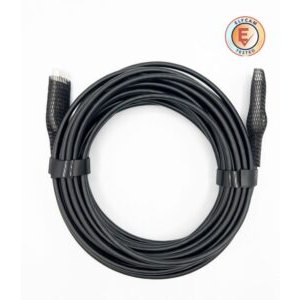

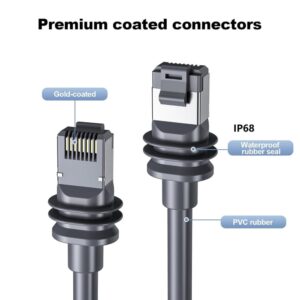
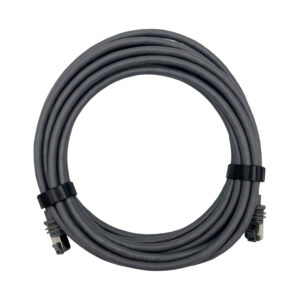
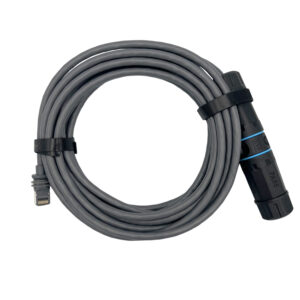
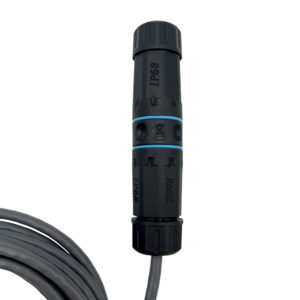


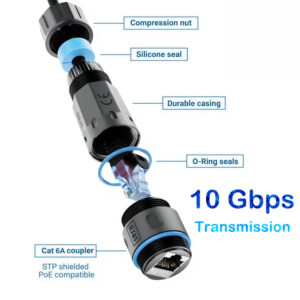
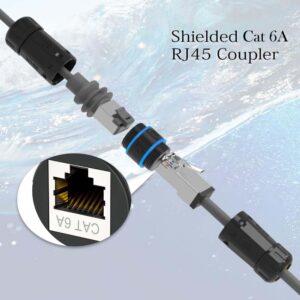
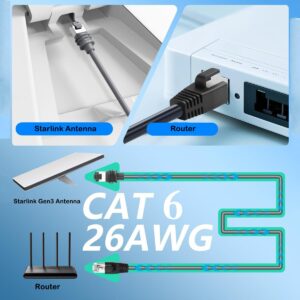
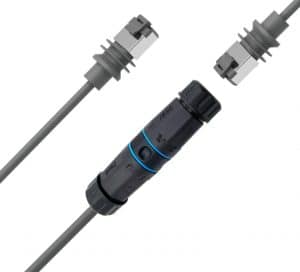

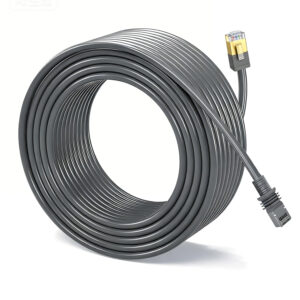
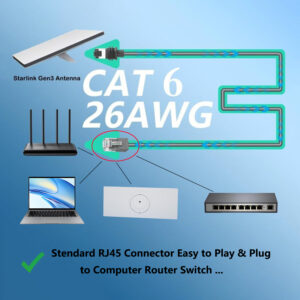
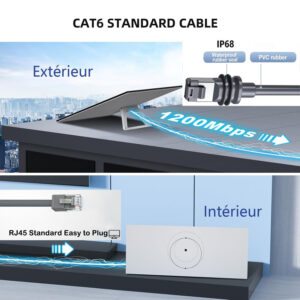
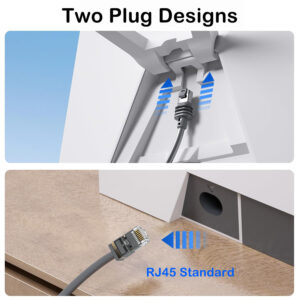
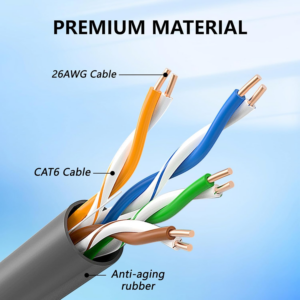
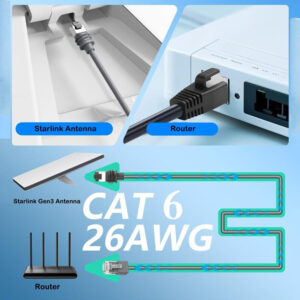
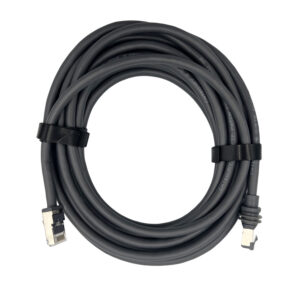
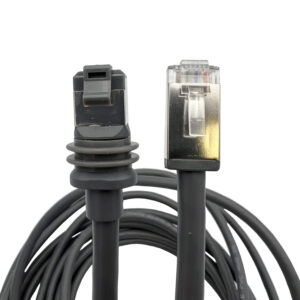
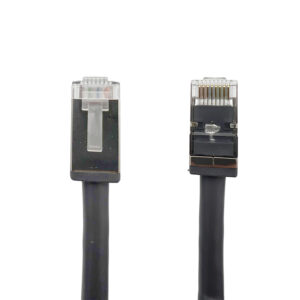












































Kann ich empfehlen. Der Schutzmantel schützt das Kabel hervorragend. Zuverlässig und gut verarbeitet.
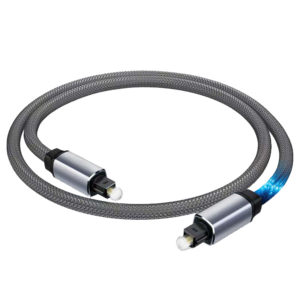
Flawless. The cable handles 10G speeds without issue. Fast shipping too!
Defektes Produkt erhalten. Enttäuschend.
Solid product. My fiber connection has been rock solid since installation. Best fiber cable I’ve used.
Highly recommended. The jacket material is high quality and UV resistant. Can’t ask for more.